




Blazingwildz App
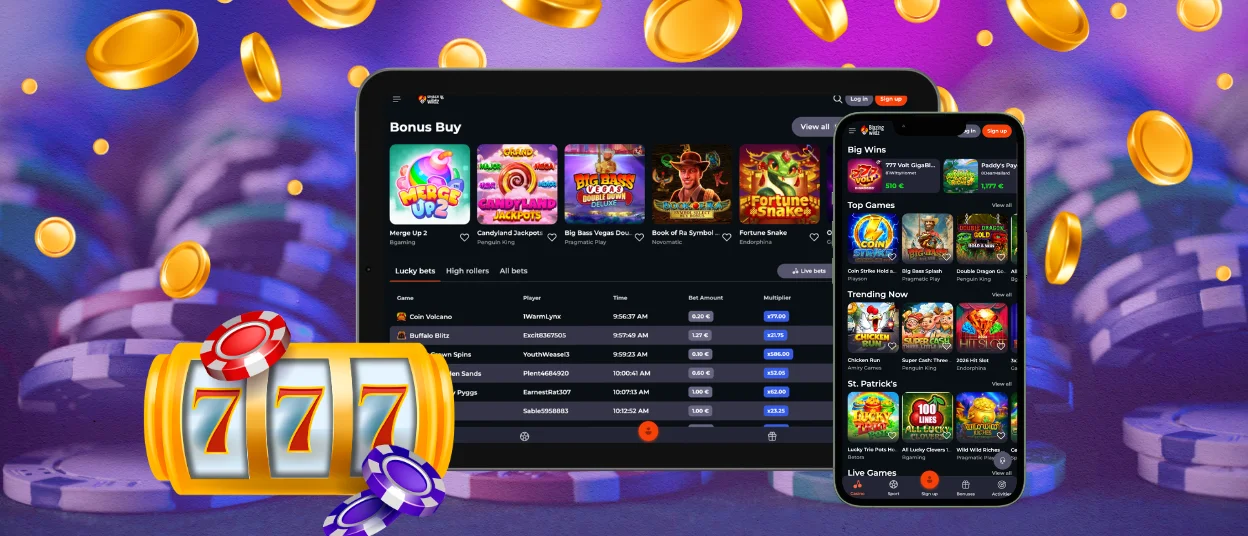
Blazingwildz Casino is optimized for browser play on all major devices. We adapt to different screen sizes and platforms, so the casino works smoothly on smartphones, tablets, and desktop computers. Our browser-based format also supports modern mobile and desktop browsers without the need for a separate app.



Safety and Support in the Blazingwildz app
We keep the same safety standards across our browser-based platform on mobile and desktop. We may request account verification to confirm identity and location, and some account actions can stay limited until the review is completed. Our responsible gaming tools include deposit limits, wagering limits, activity tracking, and self-exclusion. Support is also available through our help channels, including email and the on-site support area.
Blazingwildz App for Android
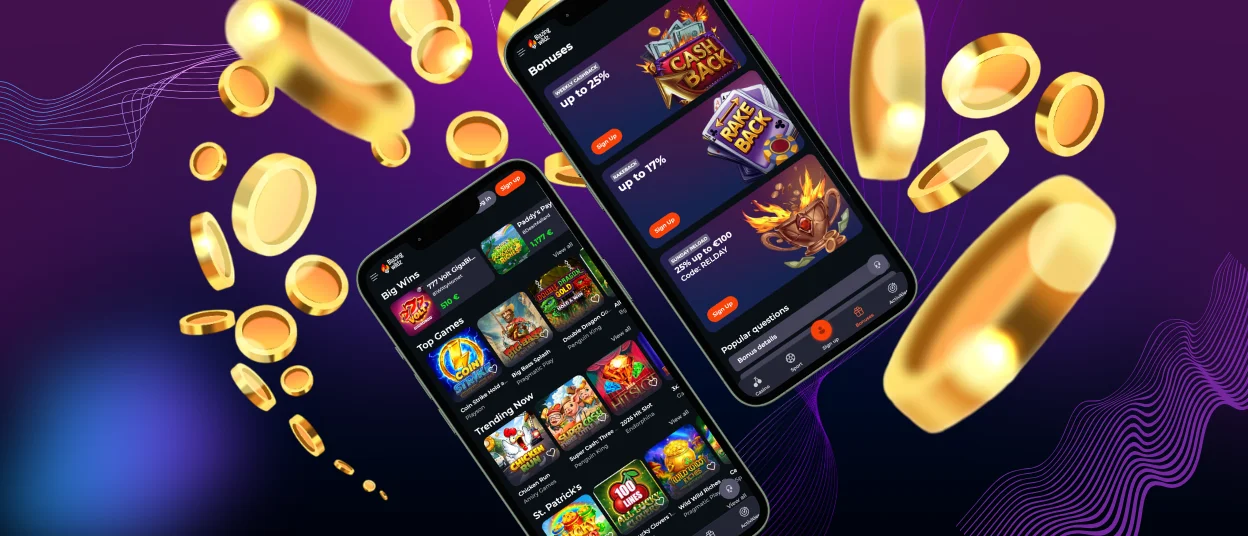
On Android, we use a browser-based format instead of a separate app. The platform adapts well to different screen sizes, so players can open Blazingwildz Casino in a mobile browser and enjoy smooth access on both smartphones and tablets.
To add the casino icon to the home screen on an Android device:
- Open Blazingwildz Casino in your mobile browser.
- Tap the browser menu in the top corner.
- Select Add to Home screen.
- Confirm the name and add the shortcut.
Blazingwildz app for iOS (iPhone and iPad)
We use a browser-based format on iPhone and iPad instead of a separate iOS app. The platform adjusts to Apple screen sizes and touch controls, so Blazingwildz Casino works smoothly on both devices. Players can open the casino in Safari and use it without extra installation.
To add the casino icon to the home screen in Safari:
- Open Blazingwildz Casino in Safari.
- Tap the Share icon at the bottom of the screen.
- Select Add to Home Screen.
- Confirm the name and save the shortcut.
Blazingwildz app for Windows and macOS
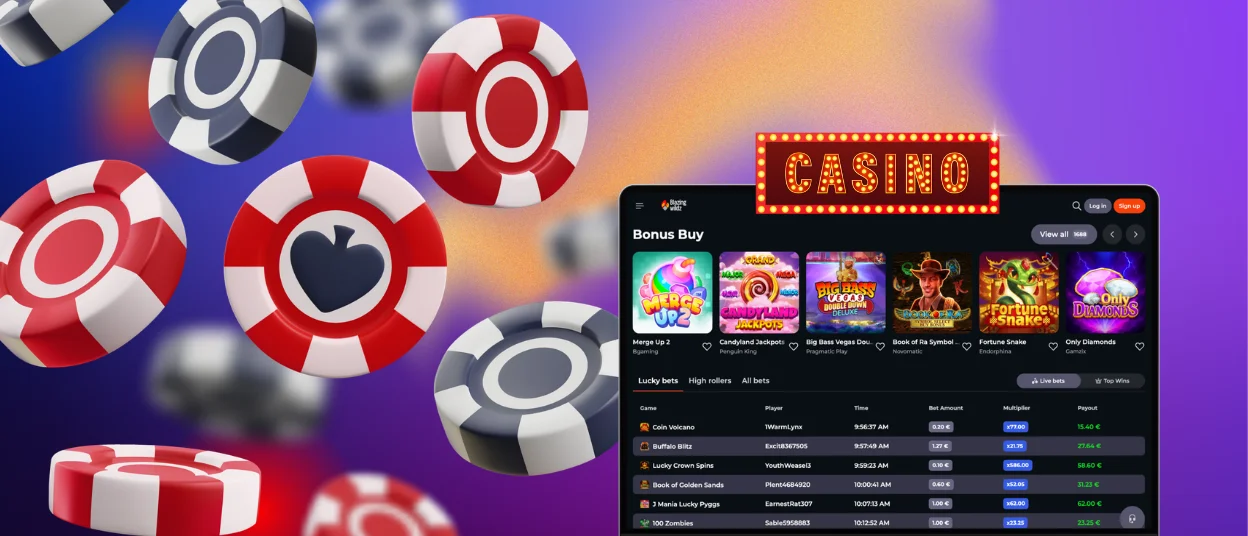
On Windows and macOS, we also use a browser-based format instead of a separate desktop app. Blazingwildz Casino works well on laptops and desktop computers, and the platform adjusts to different screen sizes for a smooth experience. Players can access the casino through modern desktop browsers without extra installation.
FAQ
Do I need to download the Blazingwildz app to play?
No, you do not need to download a separate app to play. We use a browser-based format, so players can open Blazingwildz Casino directly on the website and start from there.
Does the Blazingwildz platform work in all browsers?
The platform is built for browser play on mobile and desktop devices. For the best experience, it is better to use an updated modern browser, since performance can vary by browser version and device.
Do I need to verify my account when using the mobile version?
Yes, verification may still be required on the mobile version. Our KYC policy says we can request documents at any time to confirm identity and location, and some payments or withdrawals may stay limited until the review is finished.
Can I make deposits and withdrawals from my phone?
Yes, you can use the browser version on your phone to access account and payment functions. The site supports deposits through the casino account, and withdrawal rules apply in the same way as on desktop.


